Edits and Interactions on Panel | Dependency Governance Documentation
Edits and Interactions on Panel documentation.
The Dependencies Panel allows interacting with linked work items directly, without opening each work item.
It provides quick access to key information and supports inline actions and field updates while keeping full context.
Always Visible Fields
The following fields are always displayed and cannot be modified:
Work Type
- Displayed as an icon
- Not editable
- Click → opens the work item in a new tab
Work Item Key
- Not editable
- Click → opens the work item in a new tab
- Displays a Summary tooltip on hover
Summary
- Click → activates inline editing mode
- Displays a Summary tooltip on hover
Summary Tooltip Interactions
Hovering over Work Item Key or Summary displays a tooltip with additional actions.
Available Actions
Work Item Key
- Click → opens the work item in a new tab
Summary
- Click → activates inline editing mode
Open Preview
- Click → opens a modal with the work item view
Copy Link
- Click → copies the work item link to clipboard
Behavior
- Tooltip provides quick access to common actions
- Actions do not require leaving the current context
- Enables both navigation and interaction from a single place

Configurable Fields
The following fields can be displayed on the panel (depending on configuration) and support direct interaction.
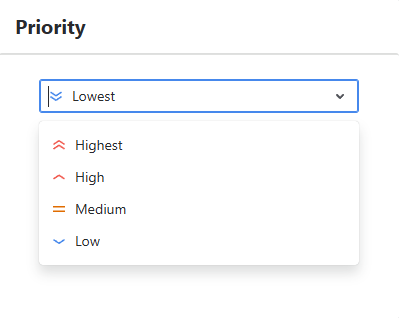
Priority
- Click → opens a modal with a priority selector
- Allows changing the work item priority
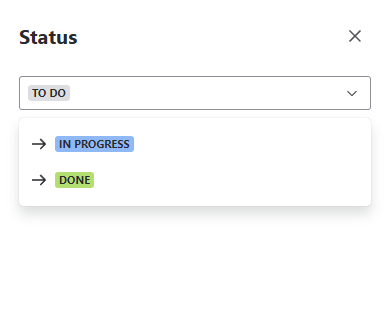
Status
- Click → opens a modal with available workflow transitions
- Allows changing the work item status
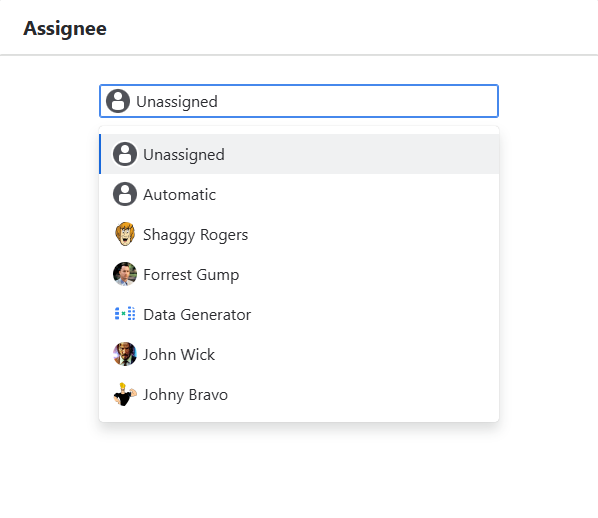
Assignee
- Click → opens a modal with a user selector
- Allows assigning or reassigning the work item
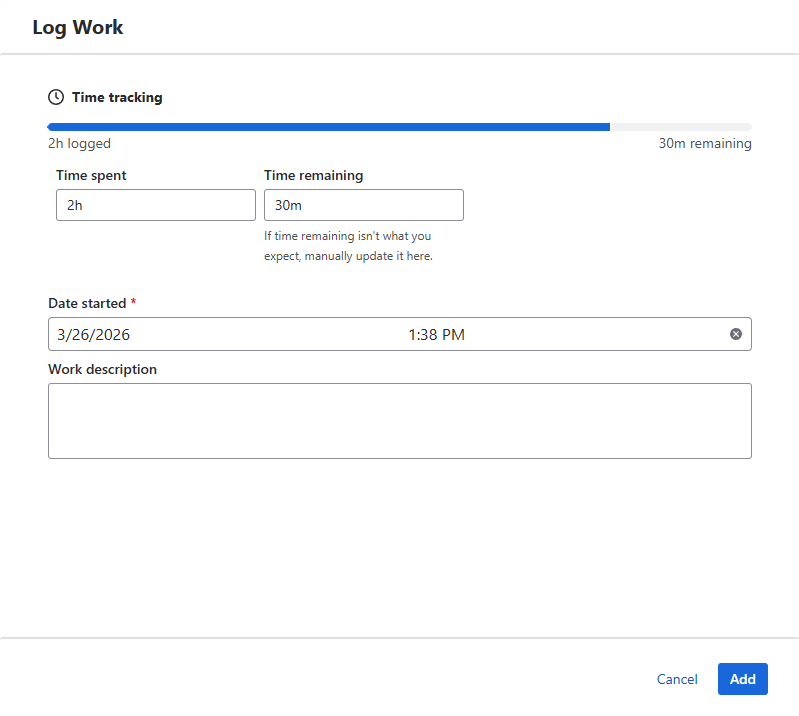
Time Tracking
- Click → opens the Log Work modal
- Allows logging time directly on the work item
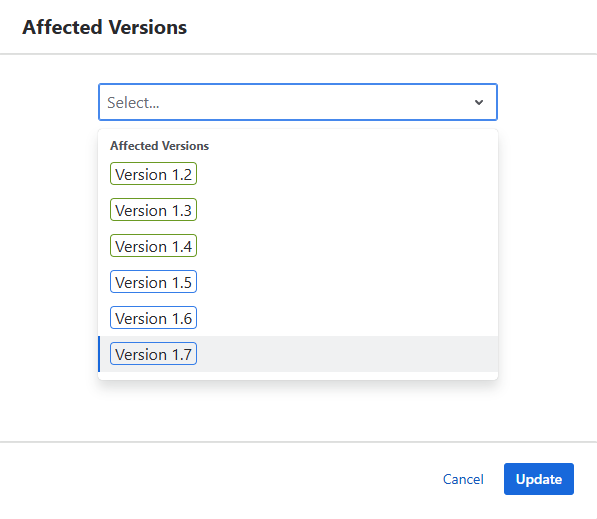
Affects Versions
- Click → opens a modal with a multi-select
- Allows editing affected versions
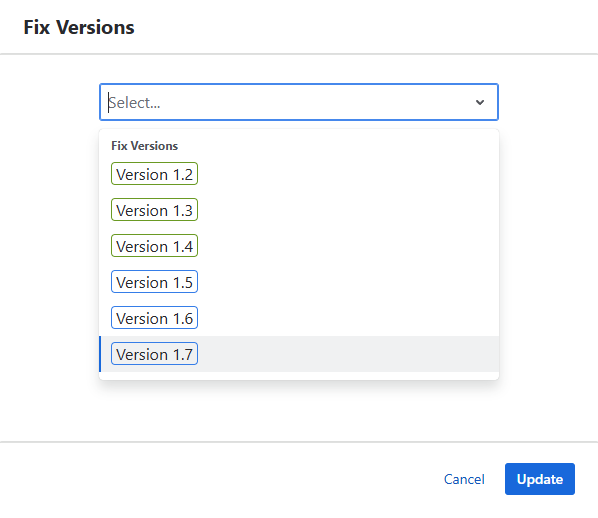
Fix Versions
- Click → opens a modal with a multi-select
- Allows editing fix versions
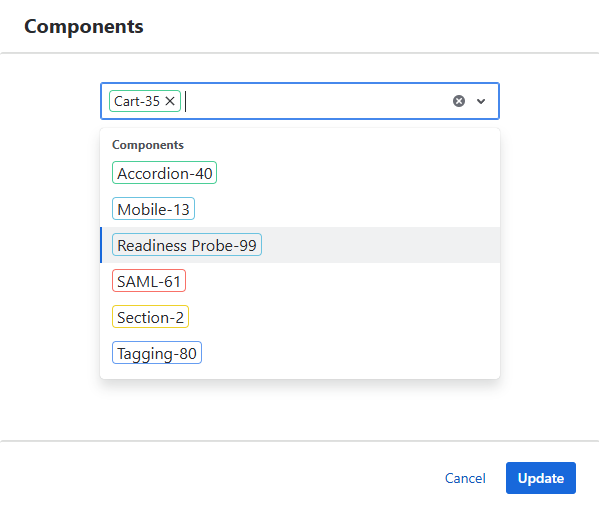
Components
- Click → opens a modal with a multi-select
- Allows editing components
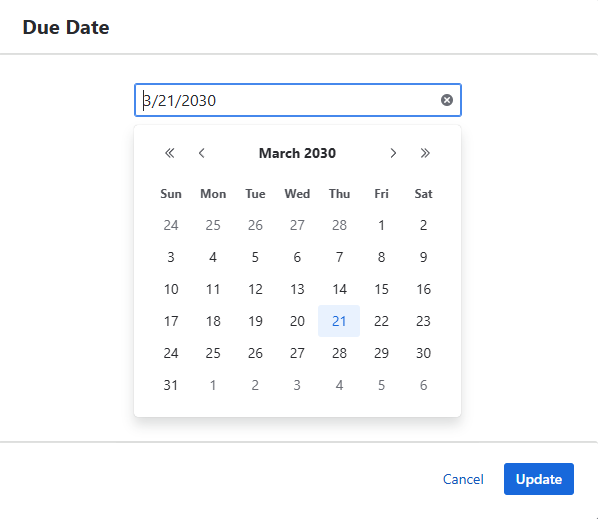
Due Date
- Click → opens a modal with a date picker
- Allows setting or updating the due date
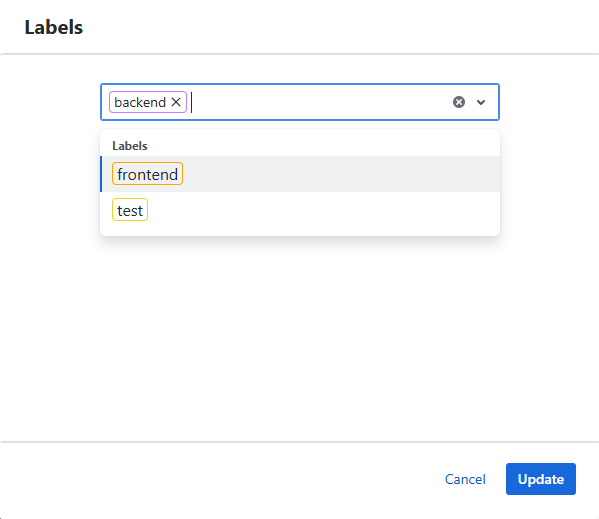
Labels
- Click → opens a modal with a multi-select
- Allows adding or removing labels
Voters
- Click → adds or removes the current user as a voter
Watchers
- Click → adds or removes the current user as a watcher
Behavior
- All interactions are performed without leaving the panel
- Changes are applied immediately after confirmation
- Available actions depend on:
- field configuration
- user permissions
Purpose
This functionality allows users to:
- Quickly update linked work items
- Avoid opening multiple work ite views
- Maintain context while working with relationships