Export Manager | Dependency Governance Documentation
Export Manager documentation.
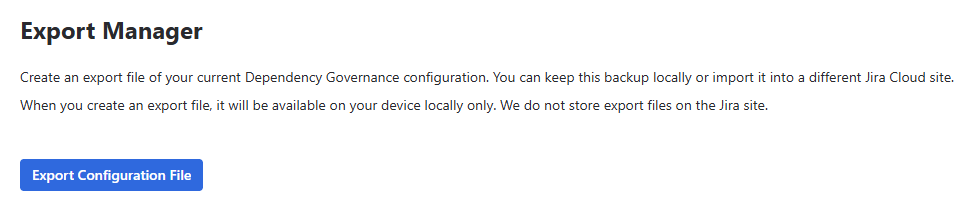
The Export Manager creates a file with your current Dependency Governance configuration.
You can keep the file as a backup or import it into another Jira Cloud site.
Purpose
Export Manager is designed to:
- Back up configuration before major changes
- Move configuration between sites (e.g. from a test site to production)
- Keep a copy of configuration for audit purposes
Where It Is Available
- Export & Import → Export Manager
Exporting Configuration
- Go to Export Manager
- Click Export Configuration File
- The file
dependency-governance-config.jsonis downloaded to your device
ℹ️ The export file is available only on your device. Dependency Governance does not store export files on the Jira site.
What Is Exported
The file contains the complete configuration of the app:
Global Configuration
- Assign Default Work Type Link Scheme to new Spaces
- Audit Log Retention Period
- Notify user after invalid work item link type has been created (Links Enforcer)
- Show work items with disabled links
- Show work items with
Donestatus category
Links Configuration
- Link Schemes and their configuration (allowed link types)
- Work Type Link Schemes and their configuration
- Assignment of Work Type Link Schemes to spaces
Fields Configuration
- Field Schemes and their configuration
- Work Type Field Schemes and their configuration
- Assignment of Work Type Field Schemes to spaces
The file also includes the export date and the account ID of the user who generated it.
Notes
- Exporting does not change the current configuration
- Each export is recorded in the Audit Log
- Work item links and work item data are not exported – only configuration
- Audit Log entries and report results are not exported
Permissions
- Jira administrator permissions