Audit Log | Dependency Governance Documentation
Audit Log documentation.
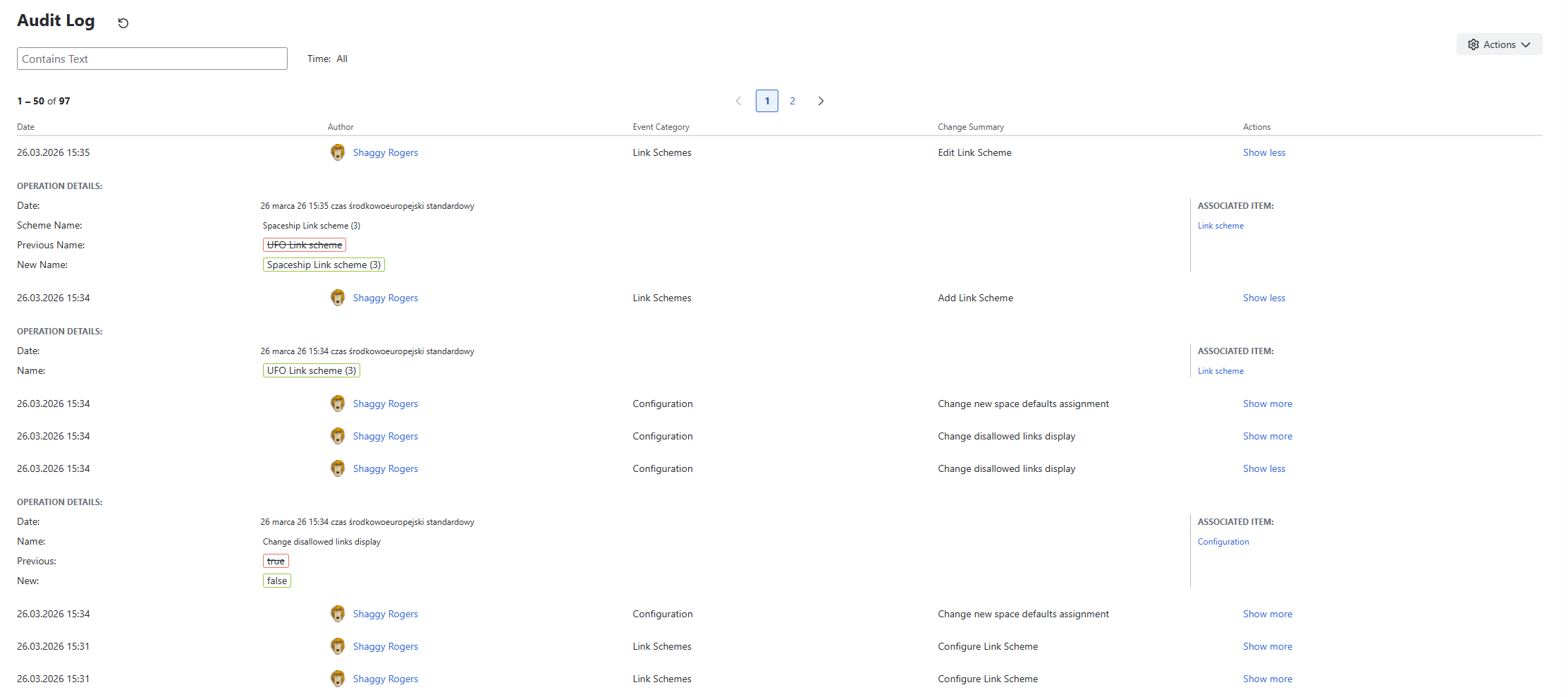
The Audit Log provides a complete history of configuration changes and system events within Depencency Governance.
It allows tracking what changes were made, when they occurred, and who performed them.
Purpose
Audit Log is designed to:
- Track configuration changes over time
- Provide transparency and accountability
- Support troubleshooting and audits
- Help understand the impact of changes
Where It Is Available
The Audit Log is available in:
- Administration → Audit Log
Search and Filtering
The Audit Log supports filtering and searching to quickly find relevant events.
Text Search
You can search by:
- Event Category
- Change Summary
Date Range Filter
- Allows narrowing results to a selected time range
- Helps focus on specific periods (e.g., after a configuration change)
Results Table
Audit Log entries are displayed in a table format.
Table Columns
Each row represents a single event and includes:
- Date
- Author
- Event Category
- Change Summary
- Actions
Actions Column
- Contains links to related objects
- Allows quick navigation to affected configurations or entities
Pagination
- Results are paginated
- Each page displays 50 entries
- Navigation controls are available:
- at the top of the table
- at the bottom of the table
Event Types
The Audit Log records events related to:
- Link Schemes
- Work Type Link Schemes
- Field Schemes
- Work Type Field Schemes
- Configuration changes
Each event includes:
- category
- summary of the change
- associated objects (if applicable)
Behavior
- Events are recorded automatically
- No manual action is required
- Changes appear in the log immediately
Usage
The Audit Log can be used to:
- Investigate unexpected behavior
- Track who changed configuration
- Review recent updates
- Support compliance and auditing
Limitations
- The log is read-only
- Events cannot be modified or deleted
- Only recorded actions are visible