Generation Process | Smart Data Generator Documentation
Generation Process documentation.
Generation
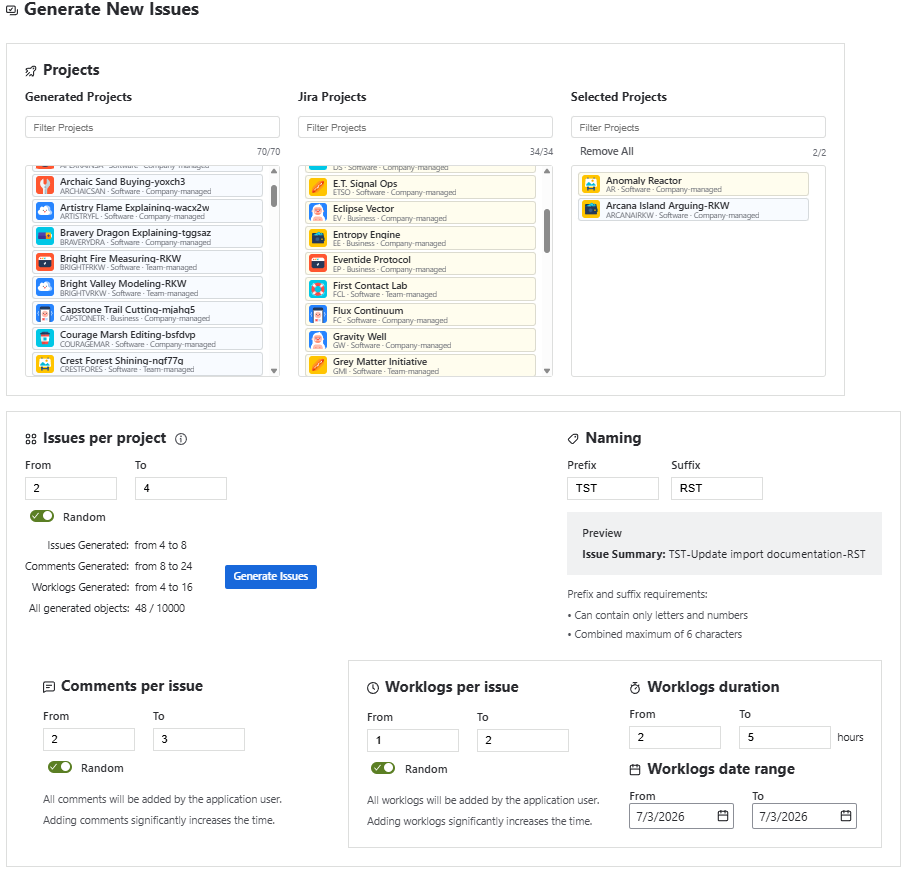
The Generation page allows users to generate Jira data based on the selected generation type.
Users can generate:
- Sprints
- Work items
- Projects
After selecting the generation type and configuring the desired parameters, click Generate to start the generation process.
Generation Progress
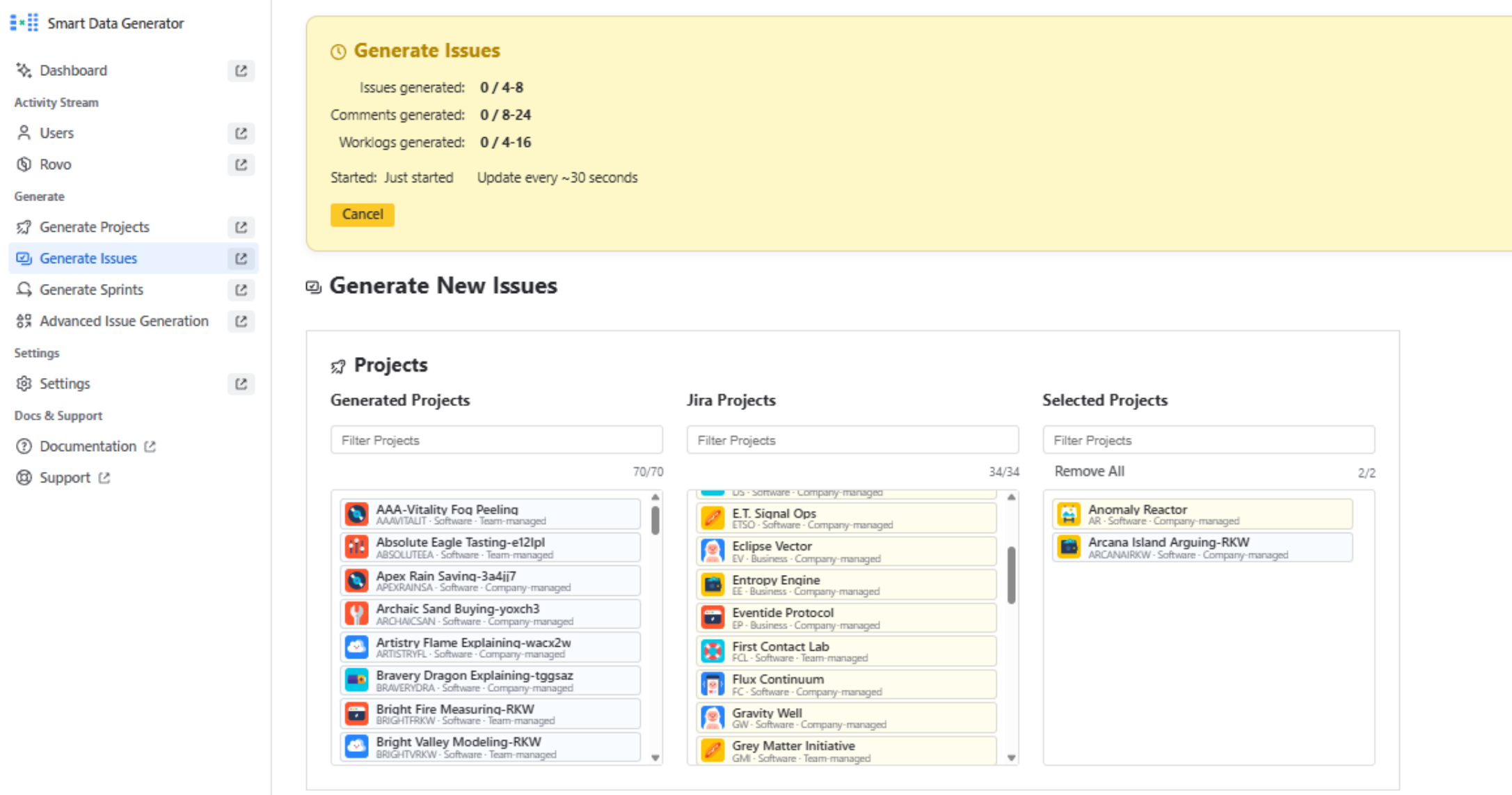
Once generation starts, a Generation Status panel appears at the top of the page, allowing users to monitor the progress in real time.
The panel displays:
- the current generation status
- the generation start time
- the total number of items being generated
- the number of successfully generated items
Generation statistics are refreshed approximately every 30 seconds while the generation process is running.
Users can also cancel the generation directly from the status panel at any time before the process completes.